Temple Nile Official Mobile Casino — Instant Play on Any Device, Anywhere
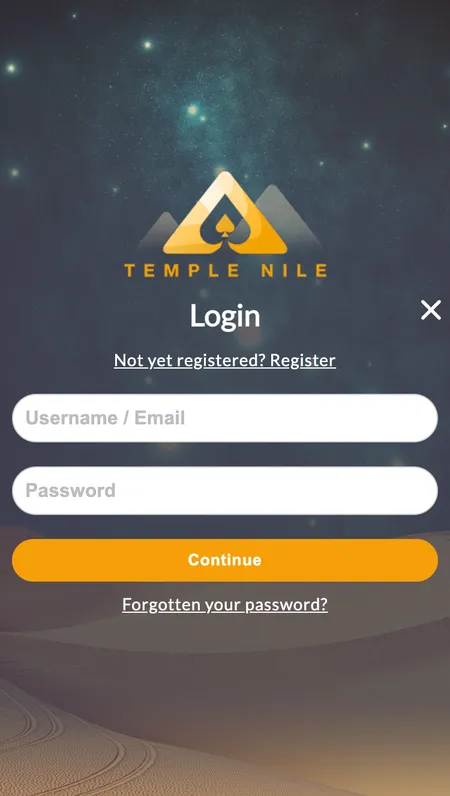
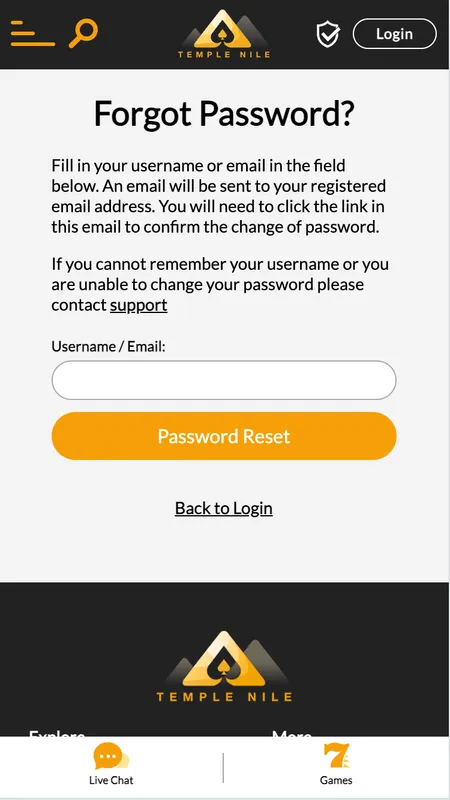
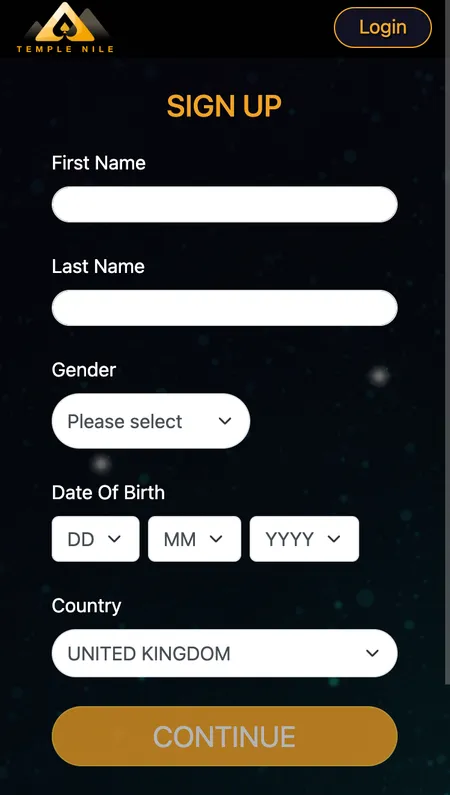
Temple Nile Casino delivers a complete mobile casino without forcing you to install anything. Over 2000 slots, live dealer tables and your full account - deposits, withdrawals, bonuses - all work through the mobile browser. iOS users get a native app via the App Store. Android players open the site and play instantly. No APK hunting, no side-loading.

50 free spins · Big Bass Bonanza
Join Nowwith bonus